
العمل الإبداعي
هولندا الطائرة - التصوير الجوي مع جون جوندلاش
المصور الهولندي جون جوندلاش متخصص في التصوير الجوي. يستخدم كاميرا ColorEdge CG279X لتحرير صوره. في هذه المقابلة، يخبرنا لماذا اختار كاميرا CG279X وكيف تساعده شاشة الرسوميات مقاس 27 بوصة المزودة بمستشعر معايرة مدمج في عمله اليومي.
لماذا ايزو؟
من المهم بالنسبة لي أن يتم إعادة إنتاج الألوان في صوري الجوية تمامًا كما لاحظتها أثناء الرحلة. لا يمكنني تحقيق ذلك إلا باستخدام شاشة ملونة حقيقية. فهي تسمح بالتعاون الملزم مع أطراف ثالثة. ولهذا السبب كانت شاشات EIZO هي خياري الأول لتحرير وتقييم صوري لسنوات عديدة الآن - تمامًا مثل العديد من المصورين المحترفين الآخرين وكل من يحتاج عمليًا إلى شاشة ذات إعادة إنتاج دقيقة للألوان وقيم النغمات والتباين.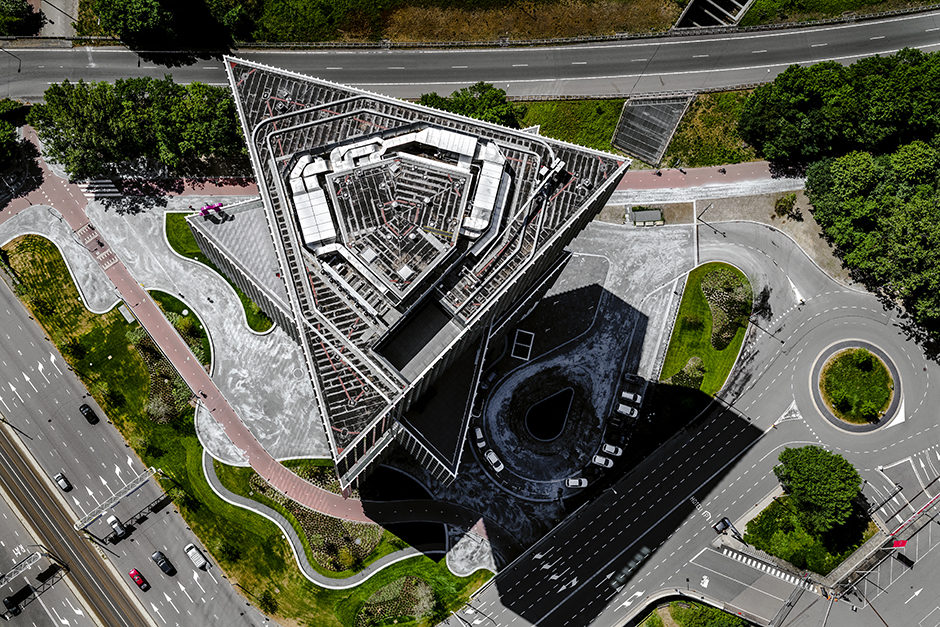
تتمتع شاشة EIZO CG279X بمجموعة متنوعة من الوظائف التي تسمح لي بتخصيص الشاشة وفقًا لاحتياجاتي في التحرير الاحترافي. ومن الأمثلة النموذجية على ذلك التبديل بين ملفات تعريف الألوان المختلفة، والألوان السوداء العميقة، والتباين العالي، والموثوقية. وعندما تم تسليم شاشتي CG279X، أعجبت بشكل خاص بحقيقة أن الشاشة جاءت مجمعة بالكامل في صندوق كبير ومستقر. يمكنك وضعها مباشرة على مكتبك والبدء في استخدامها. وإذا أردت، يمكنك فصل الشاشة عن حاملها بسرعة وسهولة بالضغط على زر في الخلف.
أعمل مع شاشة ColorEdge CG279X منذ بضعة أشهر الآن. لقد قمت بتوصيلها بجهاز iMac Pro. وعند تقييم إعادة إنتاج الألوان، من الصعب فهم اتساق ألوان Adobe RGB على شاشة iMac Pro. لذلك، أفضل دائمًا استخدام لوحة EIZO بسطحها غير اللامع والمضاد للانعكاس كمرجع للألوان والصور.
لماذا اخترت EIZO ColorEdge CG279X؟
أكثر ما يلفت الانتباه في شاشة ColorEdge CG279X هو الإطار الذي يختبئ في منتصفه مستشعر المعايرة المتكامل. وهذا يسمح بمعايرة الشاشة بدقة وكفاءة عالية. لقد تم ضبط القائمة الخاصة بي على اللغة الإنجليزية. وتسمى المعايرة "المعايرة الذاتية"، وقد قمت بتكوينها باستخدام قائمة اللمس الموجودة أسفلها بحيث تتم المعايرة على فترات منتظمة وفي وقت محدد قبل أن أبدأ العمل. وبهذه الطريقة، أرى دائمًا ألوانًا متناسقة وسطوعًا مناسبًا على شاشتي. لم يعد عليّ التعامل مع أجهزة معايرة الألوان الخارجية. لقد تم تجنيبي عناء المعايرة اليدوية.
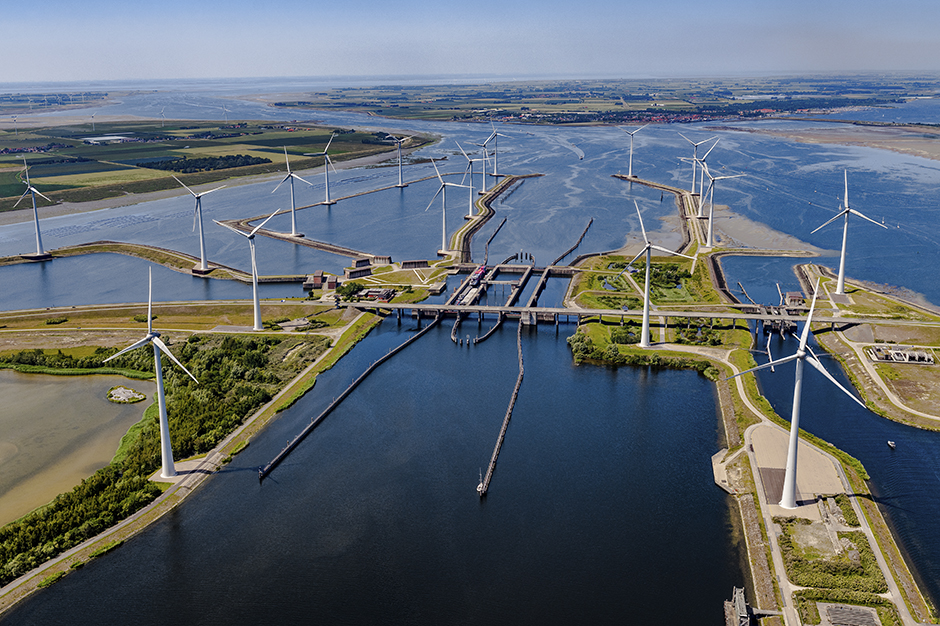
The self-calibration is a great functionality. The integrated calibration sensor is very useful because I also work on printed newspaper publications in double-page format in addition to digital publications. To preserve the spectacular colors in my aerial shots, the colors in the print must exactly match what I’ve seen on the monitor. This can only be achieved with a wide gamut monitor that displays the complete Adobe RGB color space. There are many blues and greens in aerial photographs, and the Adobe RGB color space offers significantly more colors than the sRGB color space. I have been using the CG279X for several months now in a fixed configuration on an iMac Pro. I use a direct USB-C to USB-C connection from my iMac to the EIZO monitor via a Radeon Pro Vega 64/16 GB graphics board.
If I want to be sure about the high-resolution aerial images I’m delivering to the customer at the end, I always go by the display I see on the calibrated EIZO monitor. The monitor proves to be reliable and consistent day after day. That’s why I start every working day in the studio with a good feeling.
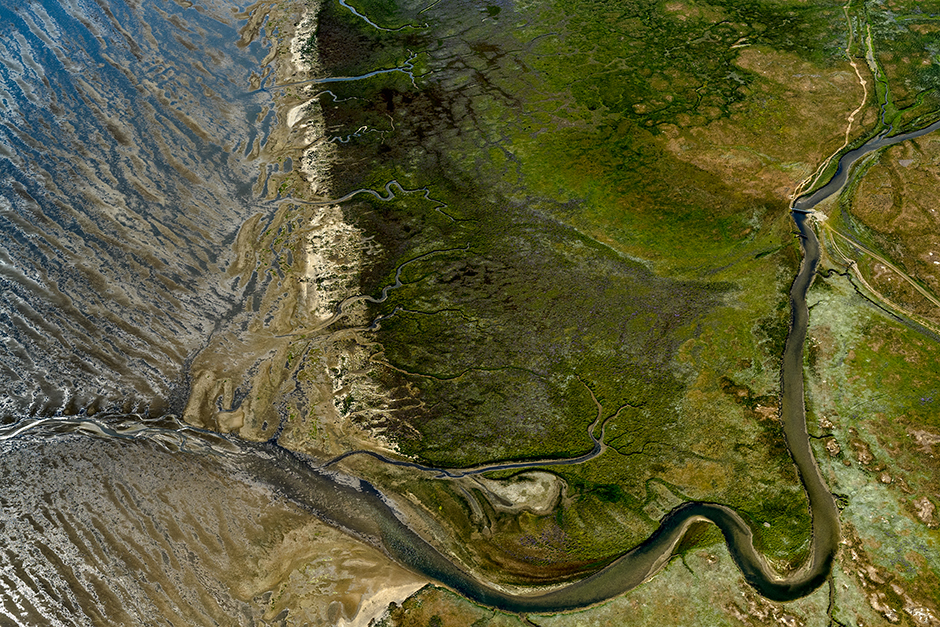
A big advantage of the ColorEdge CG279X monitor is the 100% view of photos in Photoshop (QHD, 2560 x 1440 pixels), in which I can assess the level of detail and sharpness of the photo. The true sharpness is shown. The monitor reproduces the smallest details in high-contrast aerial images and the gradation is very even. This is a feature I really like and need when I edit my aerial shots. The automatic monitor adjustment saves me time and the ColorNavigator software allows me to switch between color modes according to what I need and how I feel. ColorNavigator is a great piece of software for keeping the monitor workflow and color profiles organized, however, this special monitor also has traditional direct access settings that are accessible via on-screen menus. The menus are easy to understand. If I want to experiment and switch between different color profiles, I can do so particularly easily using the sensor buttons on the front of the monitor.
I need a lot of time to edit my photos. I probably need more time than when I take the photos. In any case, I spend a lot of time at the screen. All in all, I am very impressed with the EIZO CG279X. It is a pleasure to work with it every day. It is a great help to me when it comes to checking and correcting the usual color adjustments of the many aerial photographs that we deliver to Flying Holland customers every week.
About Flying HollandFlying Holland works for customers who need high-quality images. These include architectural firms, construction companies, government agencies and magazines. “As an aerial photographer, you don’t just take pictures, you also get a good overview. There is a lot of scope for design with aerial photography. I make a point of giving my images an individual touch when I edit them.” |
|
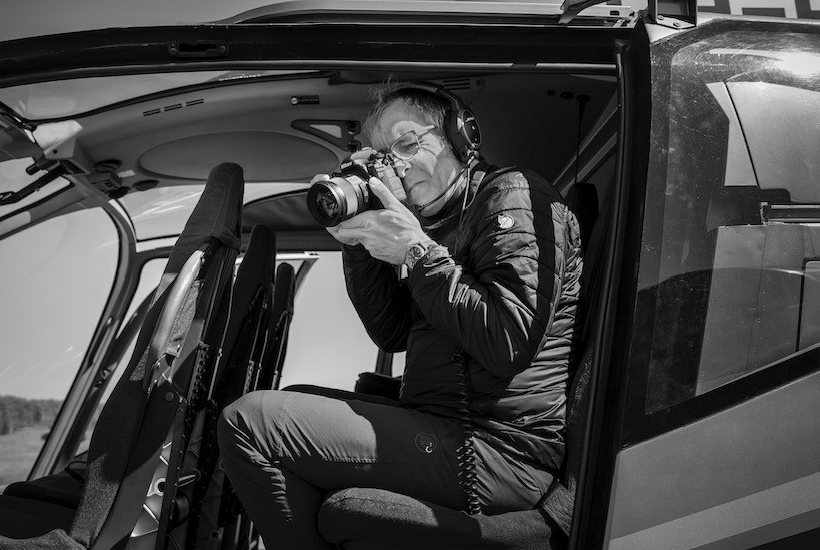
About John Gundlach
"كنت مدمنًا على التصوير الفوتوغرافي منذ أن كنت في الخامسة عشرة من عمري. ثم تابعت بعد ذلك دراسة التصوير الفوتوغرافي في الأكاديمية الملكية للفنون في لاهاي بهولندا. وينعكس حبي للتصوير الفوتوغرافي والرسومات في جميع أعمالي. وفي صوري الفوتوغرافية، أحاول الاقتراب من الفن التجريدي من خلال اللعب بالخطوط. لقد كنت مهتمًا بتصميم المناظر الطبيعية والهندسة المعمارية في البيئة المبنية لفترة طويلة. وفي حوالي عام 2013، بدأت أتساءل كيف يمكنني تصوير هذه الروابط من الجو."
المنتج المنتشر
كولور ايدج CG279X